Blue Marble
Shows how Earth was changing during the year 2004. Press Play to watch the year go by, one month a second, or pick a month. Drag to turn the globe, scroll or pinch to zoom, and right-drag to move it.
Loading three.js. If this note stays, the browser could not load or start it (WebGL may be switched off: Settings > System > "Use graphics acceleration when available").
The “Blue Marble” Project
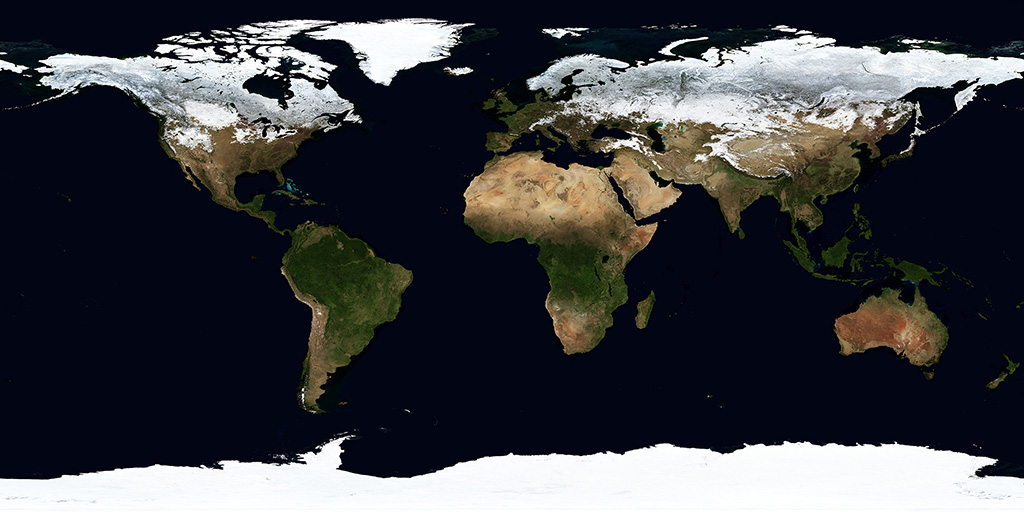
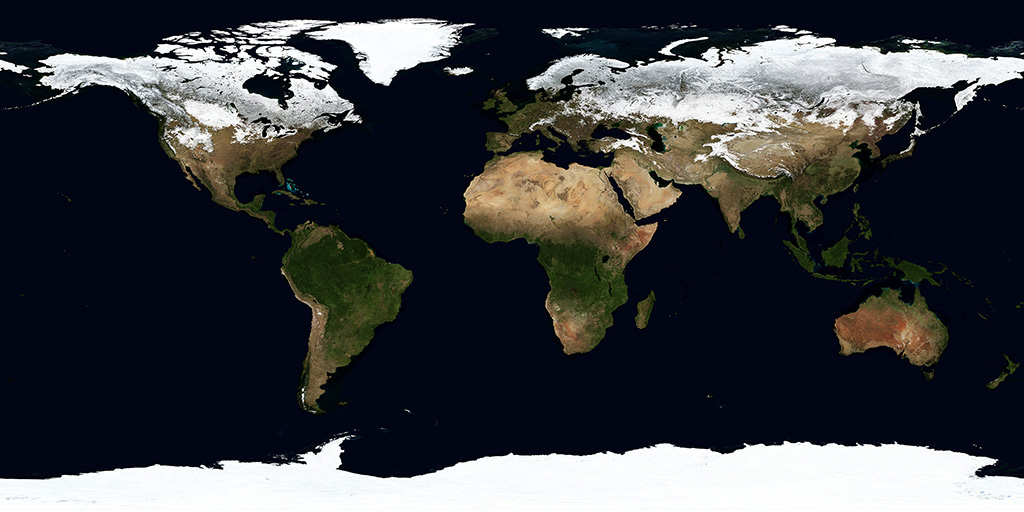
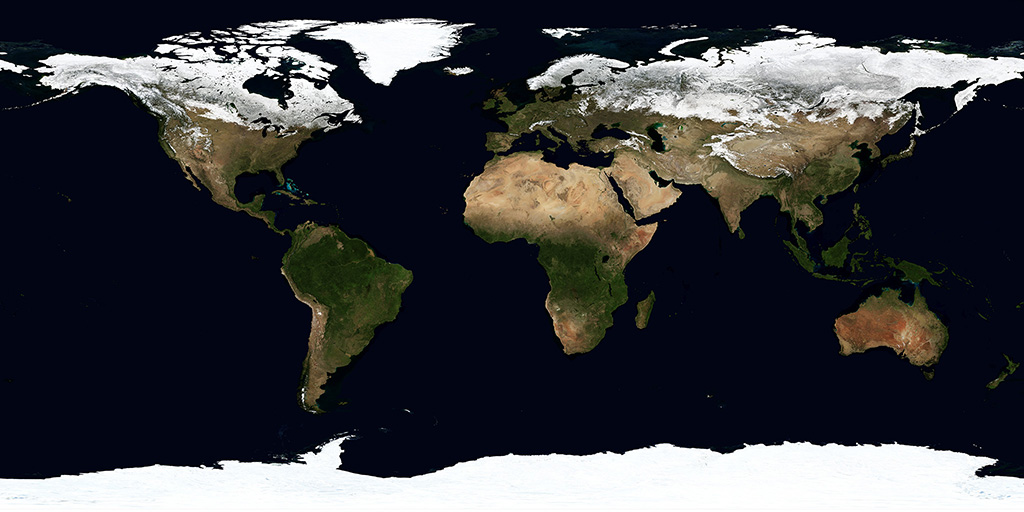
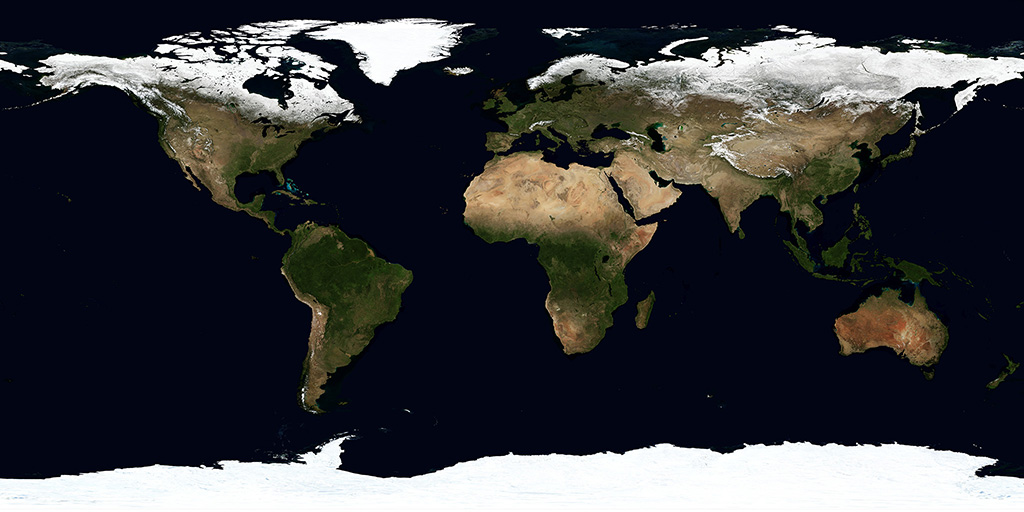
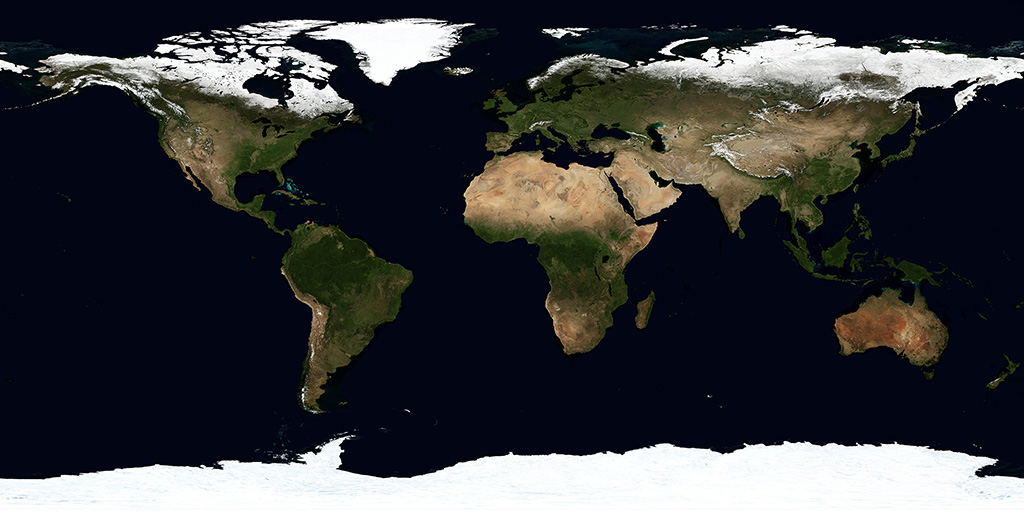
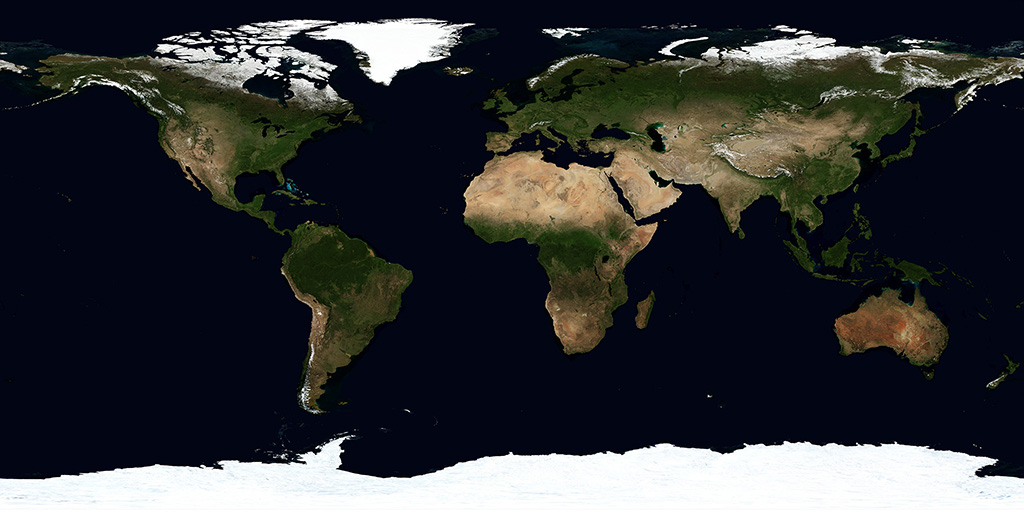
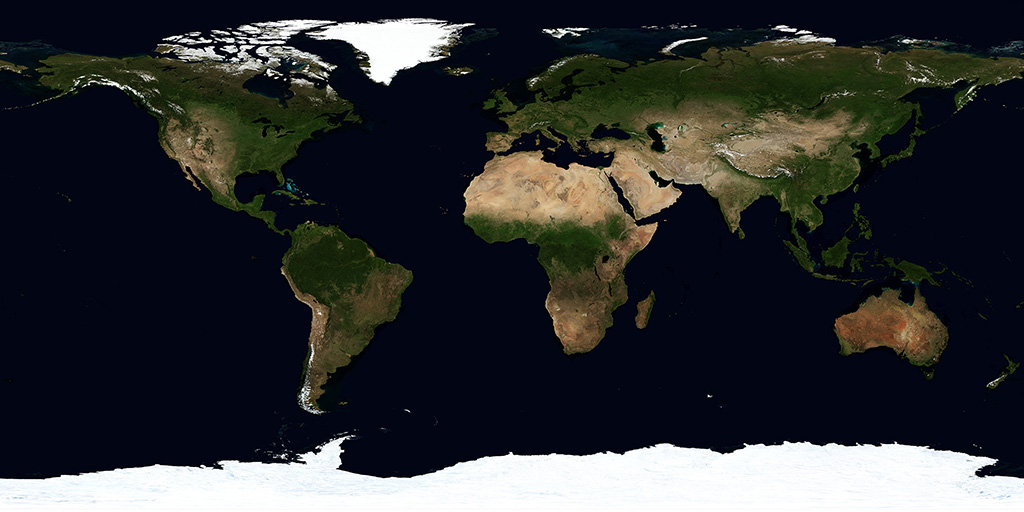
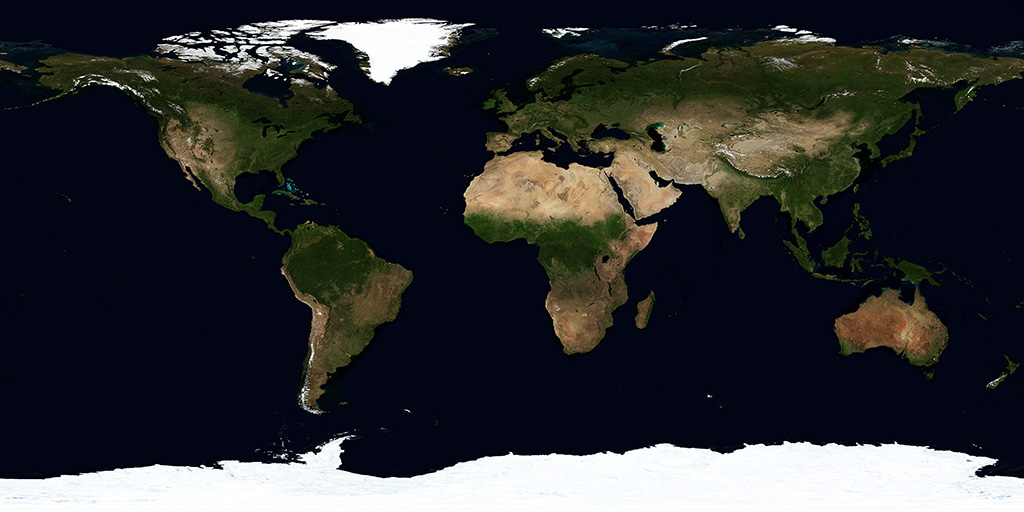
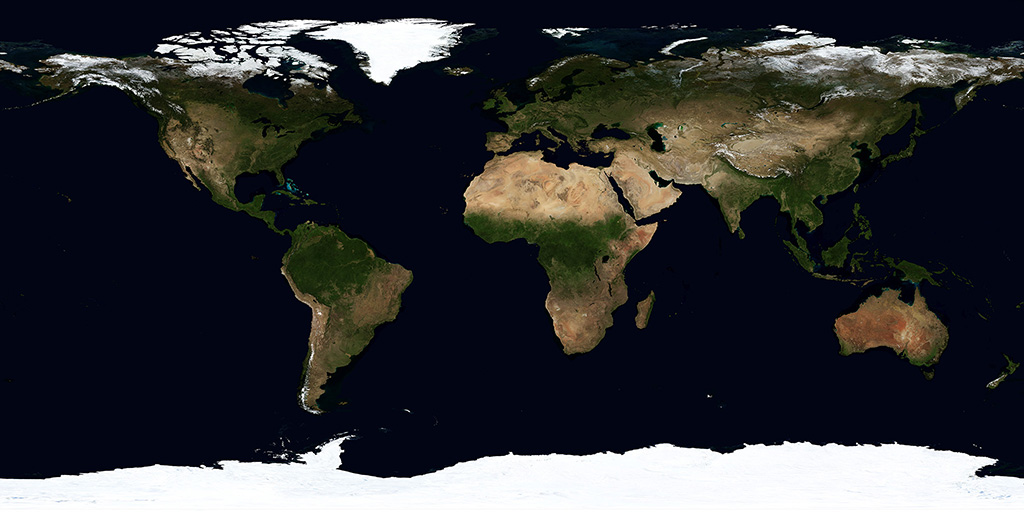
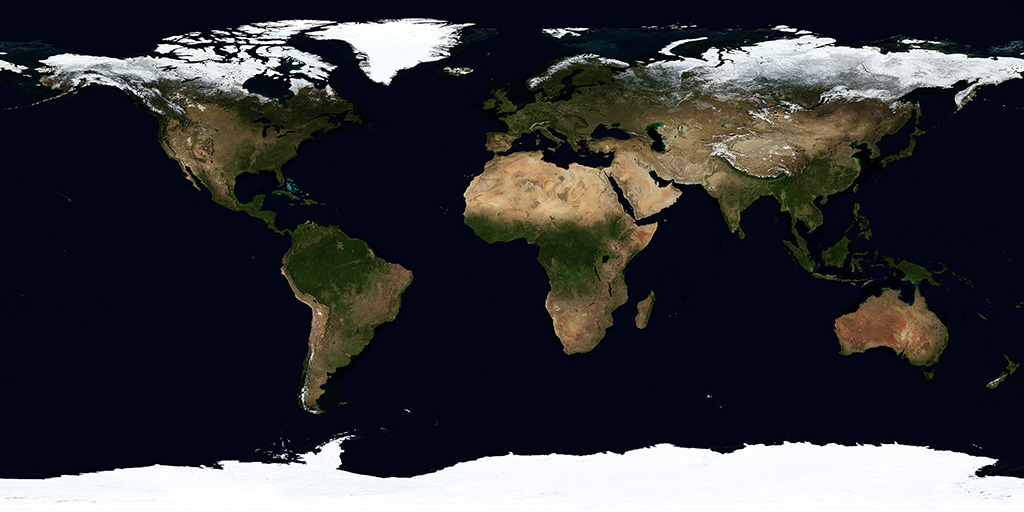
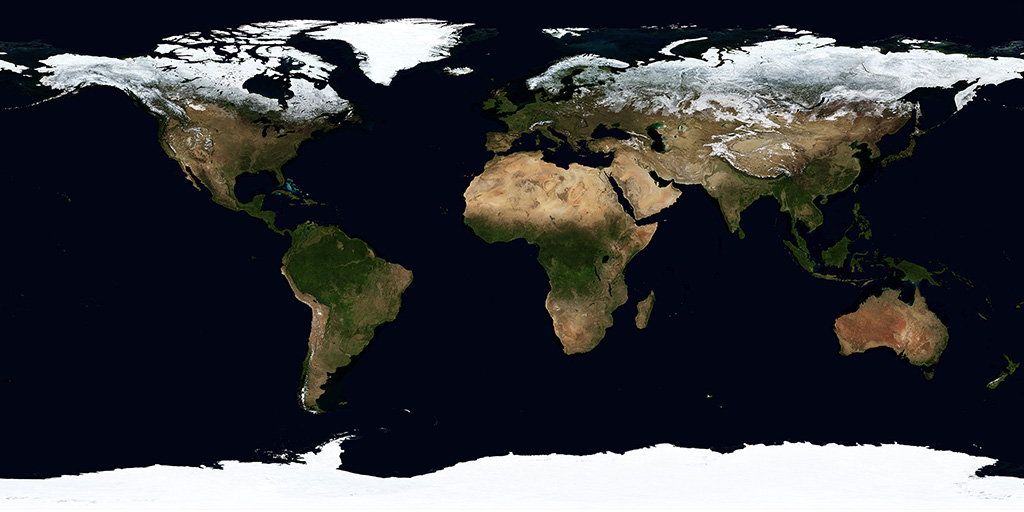
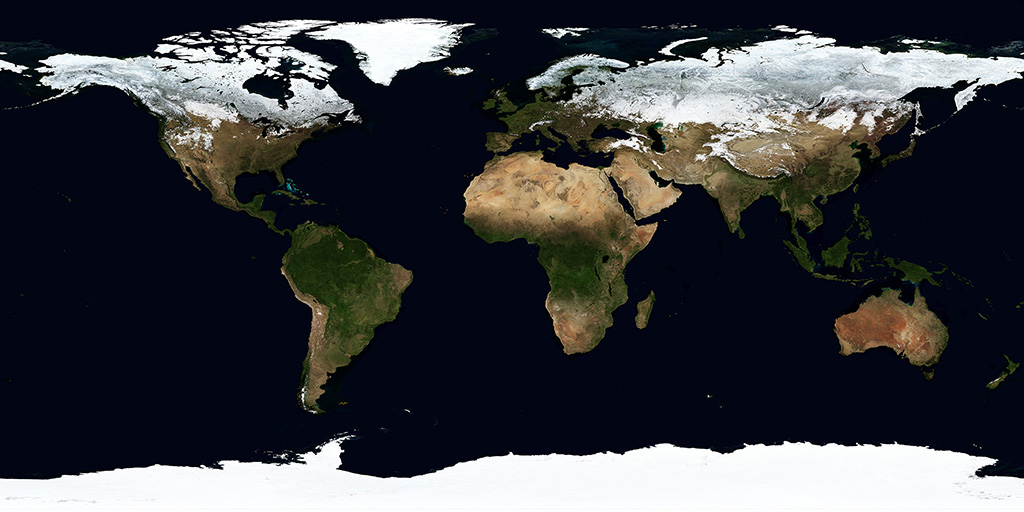
NASA has a always been a great reference for interesting pictures and textures. When I saw the Blue Marble Next Generation project wanted to create a interactive 3D version. I found all the necessary textures here. I scaled some of them, so the resolution is good for real-time appliactions, but still high enough (2048×1024).
The Globe
The globe is a UV sphere with 96 segments and 48 rings, laid out on the grid of the Shape Morphing page, drawn with three.js. Its texture coordinates are those of a world map, so the pictures above fit it without any stretching. Play switches between the 12 textures once a second, so one year equals 12 seconds, and waits for a month's picture if it has not arrived yet. The Torus and Flat Earth buttons are jokes: the same Earth wrapped round a donut, with the middle of the picture on the outer ring, and the Earth as a flat disk with the North Pole in the middle and the South Pole stretched round the rim, ringed by Antarctica. The three knots (the trefoil, the figure-eight and the (2,5) torus knot) are the torus's tube with its center line carried along a knot. All six are the same mesh laid out six ways, so a click slides every point from one shape to the next while the camera glides along.
This page was created with Claude Code.